Preview
qrdrop.online
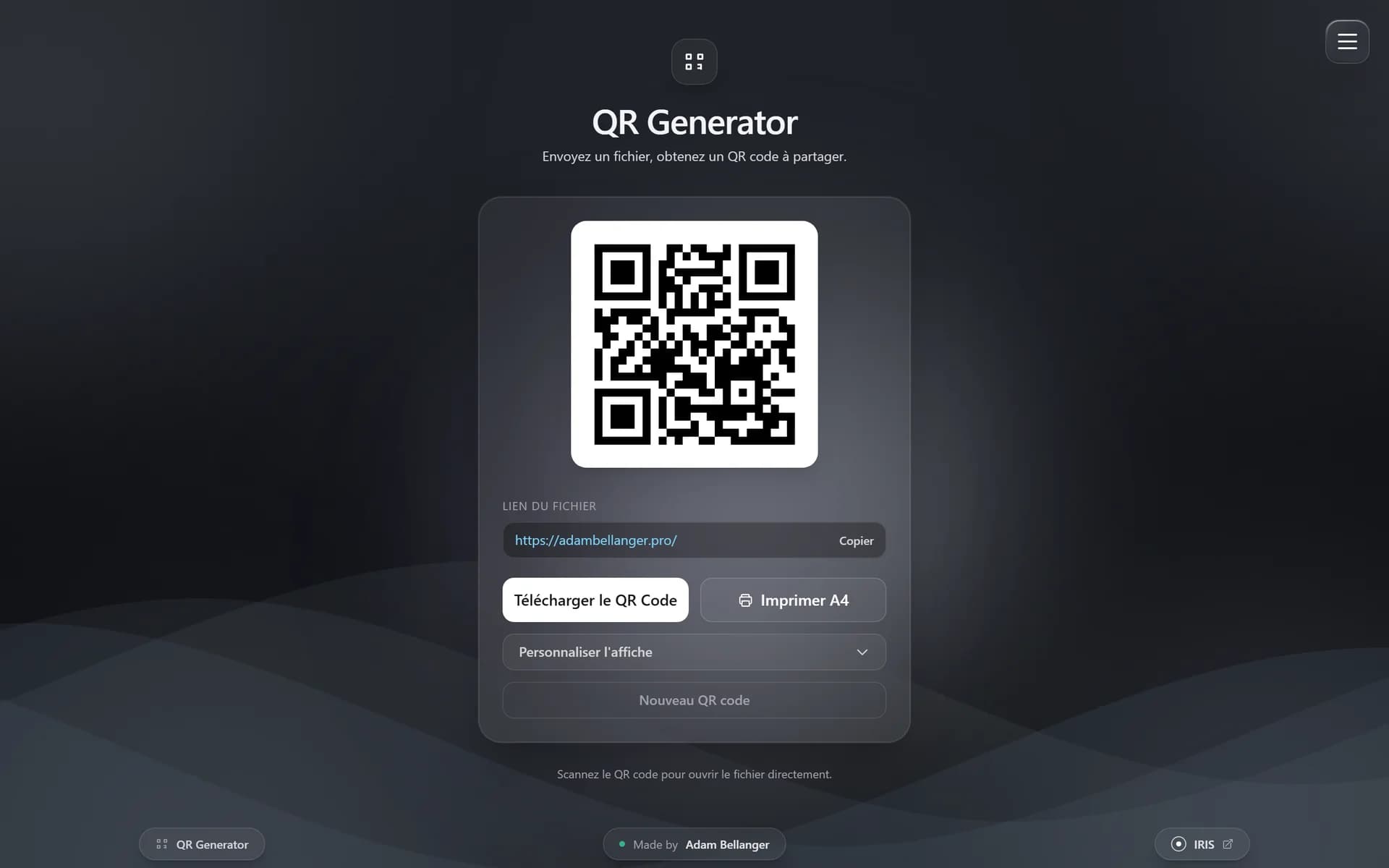
qrdrop.online
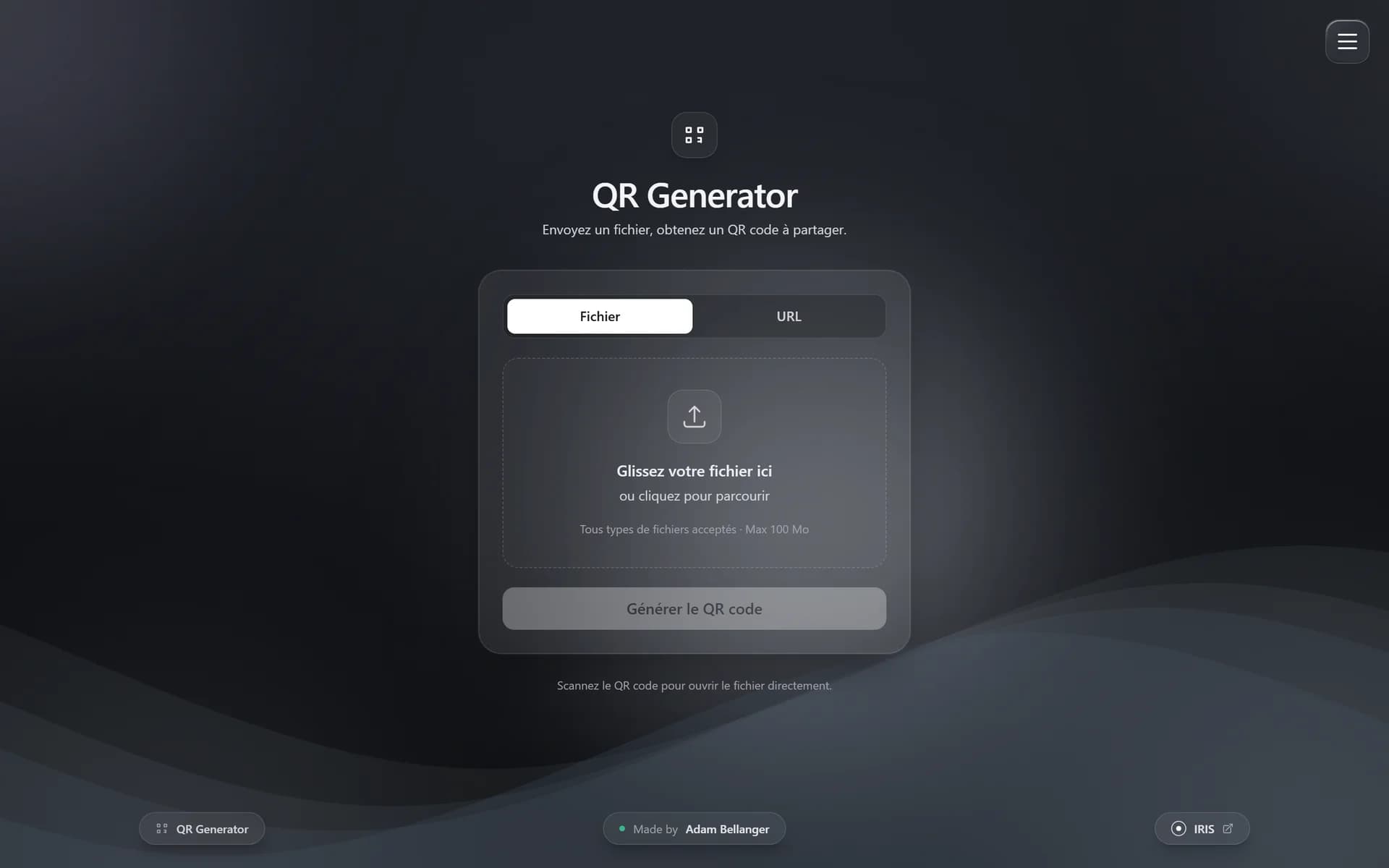
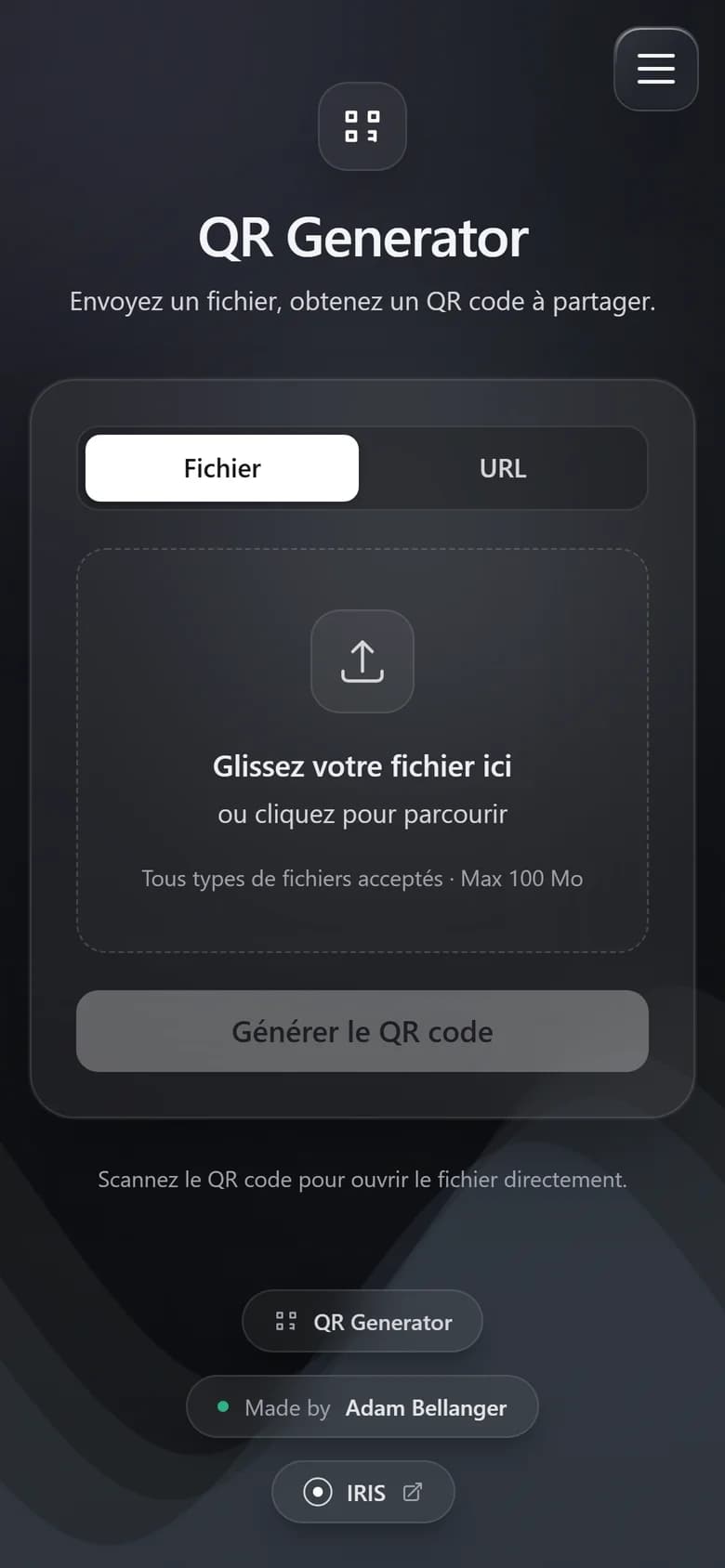
Stack
- Languages
- TypeScript
- Front-end
- React
- Back-end
- Express
- Node.js
- Infra
- Docker
Context
Sharing an image through a simple QR code without a third-party service: the image is stored on my server and served directly.
Role
Full-stack development and containerisation.
Architecture
Browser
File or URL
Reverse proxy
HTTPS, 110 MB upload limit
Express + TypeScript
API, QR generation, static front end
/data volume
Files named by UUID
Challenges
Handling uploads of up to 100 MB behind a reverse proxy (size limits on the nginx/Caddy side), honouring X-Forwarded-* headers and exposing a health check endpoint for Docker.
Outcome
A single-container app (compiled React front end served by Express), images persisted on a volume, running in production on its own domain, qrdrop.online.
Highlights
- TypeScript front end + API
- One container, one volume
- Built-in health check